

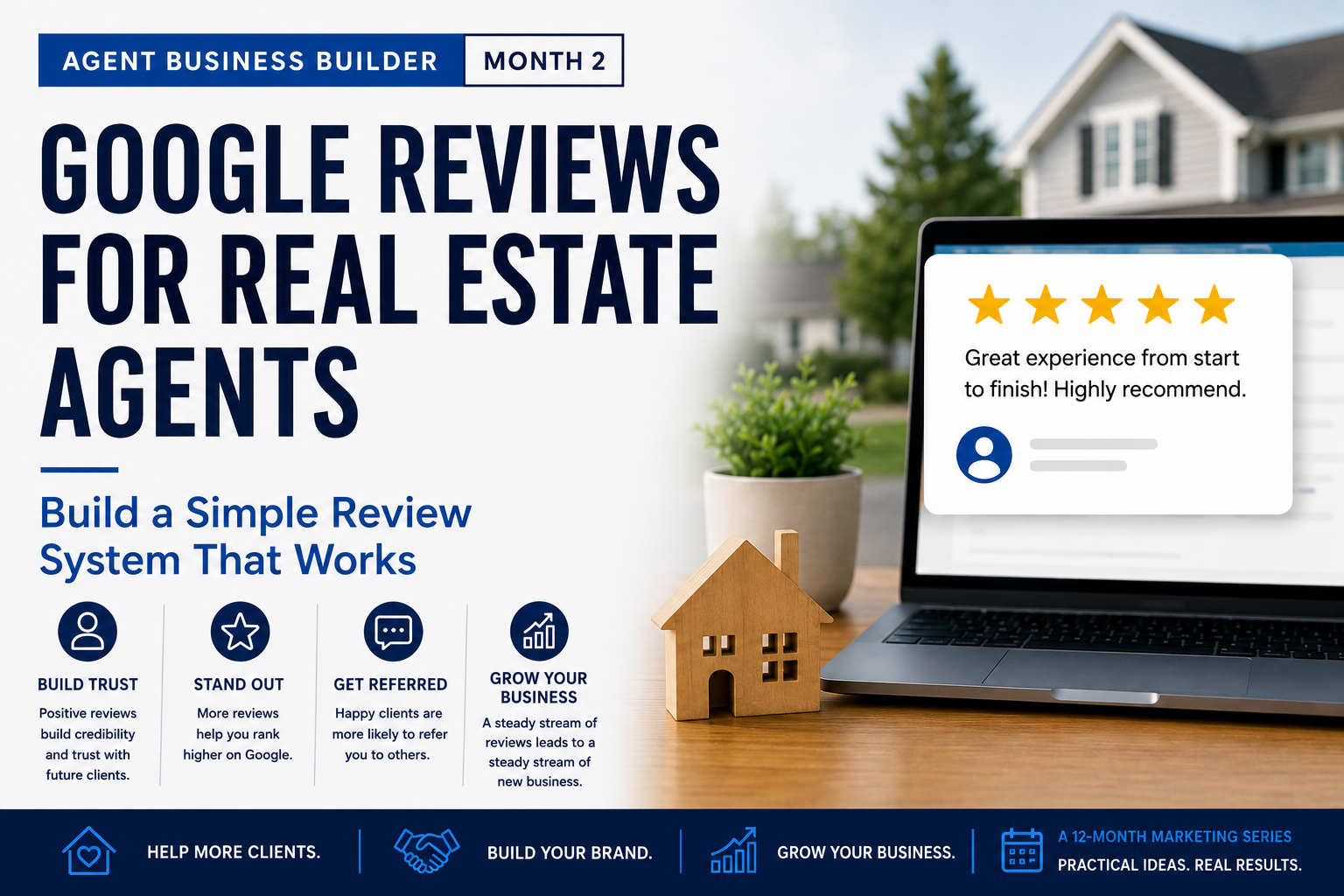
A successful closing ends with happy clients, keys changing hands, and usually a lot of congratulations. But Google reviews for real estate agents don’t always reflect the quality of service those clients received.
Then everyone moves on.
And that is exactly why getting more Google reviews for real estate agents can be challenging, even when they consistently provide excellent service.
The problem usually isn’t that clients aren’t willing to leave a review. It’s that there isn’t a consistent system for asking them.
If you’re relying on remembering to ask—or hoping the client decides to leave one on their own—you’ll probably miss a lot of opportunities.
The good news is that getting more Google reviews doesn’t require repeatedly asking clients for favors. You need a simple process that makes asking natural and makes leaving the review easy.
Why Google Reviews Matter for Real Estate Agents
Think about what happens after someone gives your name to a friend, family member, or coworker who needs a real estate agent.
There’s a very good chance that person Googles you before they ever call.
Your Google Business Profile may be one of the first impressions they get. Your reviews give prospective clients something your own marketing can’t provide: other people describing what it was actually like to work with you.
That’s particularly valuable in real estate because choosing an agent involves a tremendous amount of trust. Prospective clients aren’t only looking at how many reviews you have. They’re reading what past clients say about your communication, responsiveness, local knowledge, negotiating skills, and how you handled the transaction.
If you haven’t already reviewed how your business appears when someone searches for you, start with my Google Business Profile for Real Estate Agents guide. It includes a simple 15-minute checkup you can use to evaluate your profile.
The goal isn’t simply to collect more five-star reviews. The goal is to consistently give real clients an easy opportunity to share their experience.
Step 1: Create Your Direct Google Review Link
Before asking anyone for a review, make the process as easy as possible.
Don’t send a client instructions telling them to search for your name on Google, find your profile, click on reviews, and then figure out where to leave one.
Instead, give them a direct link that takes them straight to the review screen.
Google Business Profile allows you to create a dedicated review link that you can send directly to clients. You can also create a QR code for printed materials or other marketing pieces.
To find your review link:
- Sign in to the Google account connected to your Business Profile.
- Open your Google Business Profile.
- Select Read Reviews.
- Select Get More Reviews.
- Copy your review link and save it somewhere easy to access.
Once you have the link, add it to your CRM and save it with your post-closing email and text templates. That way, requesting a review becomes part of your normal closing process instead of something you have to remember each time.
The easier you make it for your client to leave a review—and for yourself to send the request—the more consistent your review system can become.
Step 2: Ask at the Right Moment
Timing matters.
For a real estate agent, one of the most natural times to ask for a review is shortly after a successful closing.
The transaction is complete, the client has received the keys, and the experience of working with you is still fresh.
But closing isn’t the only opportunity.
Sometimes the best opportunity happens naturally during the transaction. A client may tell you:
“Thank you so much for everything.”
Or:
“You made this so much easier than I expected.”
When a client voluntarily tells you they’ve had a great experience, that’s a natural opportunity to ask them to share their experience.
You might simply say:
“I really appreciate that. If you have a minute sometime, would you mind sharing your experience in a Google review? It really helps people who are trying to decide who to work with. I’ll send you the direct link.”
Then send them the link while the conversation is still fresh.
The key is to make asking for a review a natural part of your client process—not something you suddenly remember weeks or months after closing.
Step 3: Don’t Ask for a Five-Star Review
There’s an important difference between asking a client to share their experience and asking them to leave you a five-star review.
Your goal should be genuine client feedback—not a predetermined rating.
Instead of saying:
“Would you leave me a five-star Google review?”
Try:
“Would you be willing to share your experience working with me in a Google review?”
That small change keeps the request professional and allows the client to describe their experience in their own words.
It also matters from Google’s perspective. Google allows businesses to encourage customers to share genuine experiences through reviews, but its policies prohibit offering incentives in exchange for reviews or attempting to manipulate ratings or review content.
That means you should never offer a gift card, discount, prize, drawing entry, or anything else of value in exchange for a Google review.
You also shouldn’t only ask clients for reviews when you’re confident they’ll leave five stars. A consistent review process should give your genuine clients the opportunity to provide honest feedback.
Ask for the review. Don’t ask for the rating.
Step 4: Make the Request Personal

Automation is useful. It can help make sure your review request goes out consistently and that no closing gets overlooked.
But the message shouldn’t feel automated.
Compare these two approaches:
Generic:
Thank you for your business. Please click below to leave us a Google review.
Personal:
Hi Sarah, congratulations again on the new home. I really enjoyed working with you and Tom. If you have a minute, I’d appreciate it if you’d share your experience working with me on Google. Here’s the direct link to make it easy.
Both messages ask for the same thing, but the second sounds like it came from the person who actually helped them through the transaction.
A CRM can automate when the message is delivered while still giving you opportunities to personalize it with the client’s name, property, transaction, or something memorable about working together.
You don’t need to write a completely new message after every closing. Start with a good template and personalize a sentence or two before sending it.
Use automation to make your process consistent—not to make your relationships feel automated.
Step 5: Follow Up Once
This is where many agents lose reviews unnecessarily.
A client doesn’t respond to the first request, so it’s easy to assume they don’t want to leave a review.
More often, life simply got in the way.
They may have opened your message while moving into their new home. They may have intended to leave the review later. Or they may have seen the message, gotten distracted, and forgotten about it.
One friendly follow-up is perfectly reasonable.
You might send:
“Hi Sarah, just following up on the review link I sent over. No pressure at all—I know you’ve probably been busy getting settled. If you have a minute, I’d really appreciate your feedback.”
Include the direct Google review link again so they don’t have to find your original message.
After that, leave it alone.
The purpose of the follow-up isn’t to pressure the client. It’s simply to give someone who intended to leave a review an easy second opportunity to do it.
One request. One friendly reminder. Then let the client decide.
Later in this article, you’ll be able to download the free Google Review Toolkit, which includes ready-to-use email and text templates for both the initial request and the follow-up.
Step 6: Respond to the Reviews You Receive
Your review system shouldn’t end when the review appears on Google.
Take the time to respond.
A response shows your client that you appreciate them taking the time to share their experience. Just as importantly, your response is public, which means prospective clients may read it too.
You don’t need to write a long response. Keep it personal, genuine, and specific when appropriate.
For example:
“Thank you, Sarah. I really enjoyed working with you and Tom and appreciate you trusting me to help with your move. I hope you enjoy the new home for many years.”
Avoid simply copying and pasting the exact same response underneath every review. Even a small personal detail can make your response feel genuine.
Also remember that your response is public. Don’t include confidential financial information, transaction details, or personal information about your client.
If you receive a critical review, resist the temptation to argue your side of the story publicly. Keep your response professional, acknowledge the feedback, and move the conversation offline when appropriate.
Your response isn’t only being written for the person who left the review.
Your future clients may be reading it too.
The Simple Realtor Google Review System

You don’t need complicated software or a separate review platform to build a consistent flow of client reviews.
Put it all together, and your post-closing review process looks like this:
Closing
↓
Personal thank-you
↓
Google review request with direct link
↓
One friendly follow-up if needed
↓
Client leaves review
↓
Respond personally to the review
The real value comes from making this process repeatable.
Whether you close two transactions this month or ten, your review process should work consistently without relying on you to remember each individual step.
This is where your CRM can help. Set up a post-closing task or automated sequence that reminds you when it’s time to send the request and, if necessary, the follow-up.
You can automate the reminder and even prepare the message in advance while still keeping the actual communication personal.
Over time, a few genuine client reviews each month can create a much stronger picture of what it’s like to work with you than trying to collect a large number of reviews all at once.
Consistency is the strategy.
One Thing to Do This Week
Don’t make your goal “get more Google reviews.”
Make your goal “build the system.”
Take 15 minutes this week and do these five things:
- Find and save your direct Google review link.
- Create your standard review-request email and text.
- Create one friendly follow-up message.
- Add the review process to your CRM or post-closing checklist.
- Make responding to new reviews part of your routine.
Once that’s done, you won’t have to reinvent the process after every closing.
You may also have past clients you’ve worked with who were never given an easy opportunity to share their experience. Your new system can help you reconnect appropriately, but going forward, the easiest approach is to make the review request a normal part of every successful closing.
Build the system once. Then use it consistently.
Free Broker Business Builder Tool
Google Review Request Toolkit
Knowing you should ask for reviews is one thing. Having the right words ready when it’s time to ask makes it much easier to actually do it.
I’ve created a free Google Review Request Toolkit for real estate agents that you can save and use as part of your post-closing process.
The toolkit includes:
- Ready-to-use email review-request template
- Text-message review-request template
- Follow-up email and text scripts
- Review-response examples
- Instructions for finding your direct Google review link
- Suggested timing for your review requests
- Post-closing Google review checklist
- Quick implementation worksheet to help you put the system into your CRM
You don’t have to use the scripts word-for-word. They’re designed to give you a starting point that you can personalize to sound like you.
FREE BROKER BUSINESS BUILDER TOOL
Make asking for Google reviews simple and consistent. Download the free toolkit with ready-to-use email and text scripts, follow-up messages, review response examples, and a post-closing checklist you can put to work right away.
Want Me to Take a Look?
If you’d like another set of eyes on your Google presence, send me a link to your Google Business Profile.
I’ll take a look at how your profile and reviews appear to a prospective client and share a few observations that may help strengthen your online presence.
If you’d rather go through it together, I’m happy to spend a few minutes reviewing it with you.
Jay Richardson
Mortgage Loan Originator | NMLS #1962748
Edge Home Finance, LLC | NMLS #891464
Next Month: Turn Your Reviews Into Business
Getting the review is only the first step.
A great client review can become much more than something that sits on your Google Business Profile. It can provide powerful social proof for your website, social media, email marketing, listing presentations, and other places prospective clients are deciding whether to work with you.
Next month, I’ll show you how to turn one great client review into multiple pieces of useful marketing content—without making it feel like you’re constantly promoting yourself.
Leave a Reply